CityKeys
    Bricko Homes · Chapter 07 · Move in

    Find your home in a 3D city.

    Bricko Homes puts the whole city in 3D: the buildings, the roads, the metro and the flyovers. Builder-listed projects stand in it as they will be built. Turn the city, zoom in and tap a project to open it.

    3DThe whole city, light enough for a phone
    DirectDeal with the builder
    LivePrices and availability from the builder

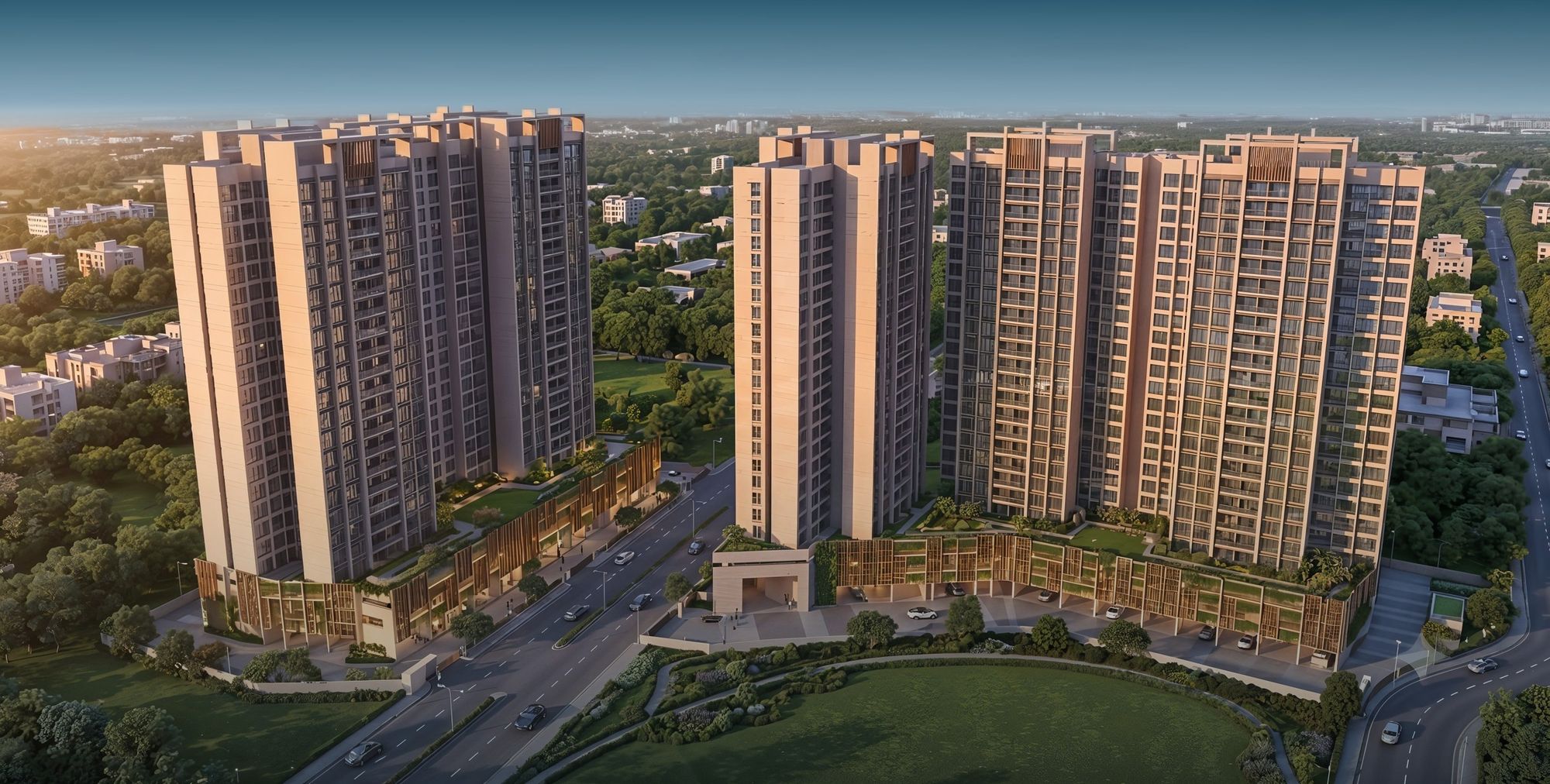
    The featured building is a real project by one of Bricko ERP's users, shown with the builder's consent. The city and the other listings here are illustrative.

    01 The 3D cityDrag to turn

    Start where you want to live.

    Every building, road, metro line and flyover stands as a real structure. Filter by size and budget and tap a project: it rises out of the city as it will be built, with the view, the neighbours and the commute.

      Drag the city to turn it, use + and − to zoom, tap a pin to fly there. Other listings are examples.

      02 See the homeTap a home

      The exact flat, in 3D.

      Open a home and see it in the tower: the floor plan, the carpet area and the rooms. Then book a site visit with the builder.

      A-12032 BHK · floor 12 · wing A
      Carpet area (RERA)– Bedrooms · toilets– Balconies–
      Book a site visit Floor plans from the builder's drawings.
      03 FinanceSimplified

      A home loan without the paperwork chase.

      Apply in one form, upload documents once and follow the lender's review in the same account, alongside your shortlists, visits and enquiries.

      • Apply in one form5 min
      • Upload documents oncePAN · income · ID
      • Lender reviewTracked
      • Sanction letterIn your account

      Bricko is not a lender or a broker. Loan decisions are made solely by the lender, and you deal with the builder directly.

      Connected

      Nothing is typed twice.

      Bricko Homes shares one set of records with the rest of Bricko. Here is what comes in and what goes out.

      Comes in

      • Project StudioThe listing, the pin in the 3D city and the banner
      • Bricko ERPLive prices and availability
      Chapter 07Bricko Homes

      Goes out

      • Bricko ERPEnquiries and site visits, as leads for the sales team
      Free to join

      Find your home in a 3D city.

      Projects straight from the builder, standing in the city as they will be built.